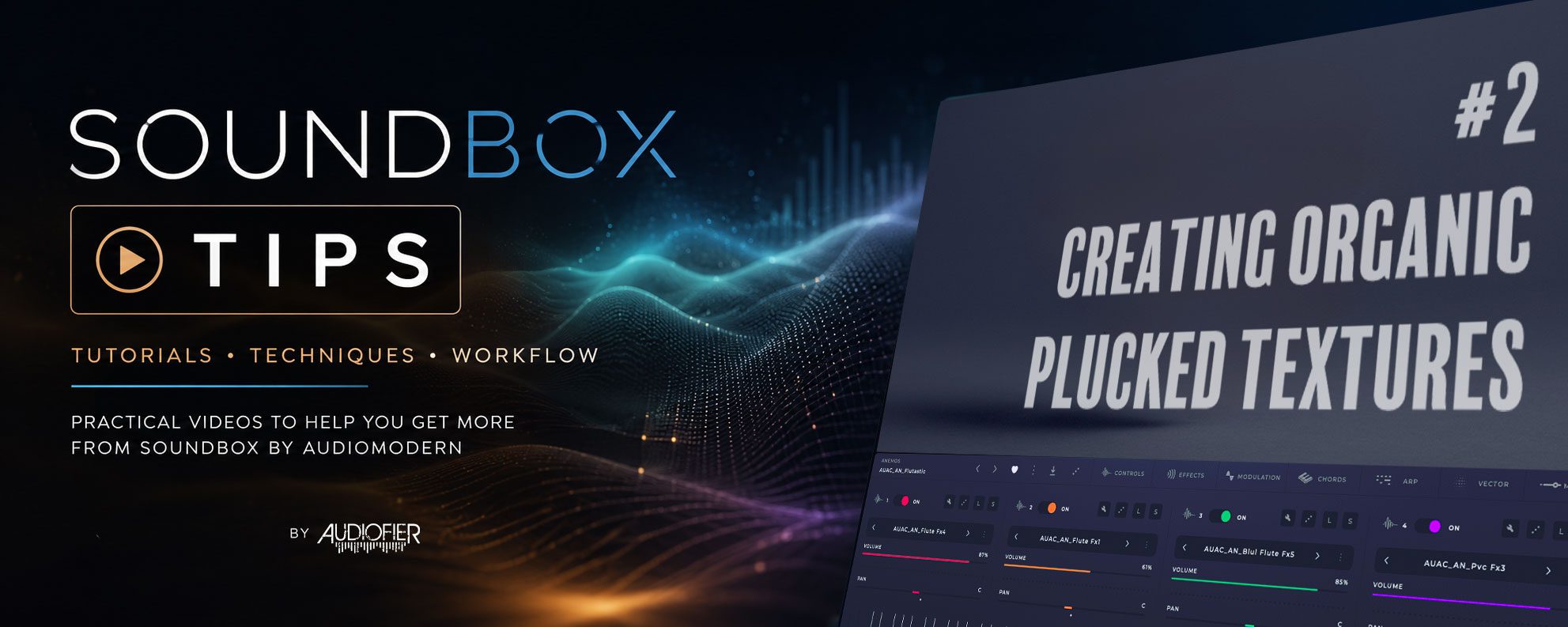
Soundbox Tips #2
Creating Organic Plucked Textures
A single piano note can be beautiful—but what if it could gradually bloom into something far more expressive?
In the second episode of our Soundbox Tips series, we explore a simple yet powerful technique for transforming plucked and percussive sounds into evolving textures filled with subtle movement and unexpected detail.
Using Soundbox’s built-in layers, arpeggiator and effects, we’ll show how a handful of carefully timed events can create delicate cascades, shimmering reflections and organic variations that continue to develop as you hold a chord. The result is a patch that feels alive, without relying on complex programming or scripting.
In this video you’ll discover:
* How to add evolving movement to pianos, celestas, bells and other plucked instruments.
* A creative use of Soundbox’s arpeggiator to generate subtle, ever-changing variations.
* Why timing, randomness and layering can be more powerful than adding more samples.
* Simple techniques for creating spacious, organic textures from everyday sounds.
If you enjoy cinematic pianos, ambient music, game scoring or expressive sound design, this is an easy technique that can inspire entirely new patches.
Many of the concepts explored here also influenced presets found in Audiofier’s Acorn Series for Soundbox, particularly IMPERFECT, where similar approaches are used to create evolving movement and unexpected musical detail from deceptively simple source sounds.
Soundbox Tutorials & Tips
Welcome to the Audiofier Soundbox Tutorials & Tips hub—our growing collection of free videos dedicated to Soundbox by Audiomodern.
Whether you’re just getting started with Soundbox or you’re looking for new sound design techniques, workflow ideas, and creative programming tricks, these tutorials will help you get more from this powerful sampler and virtual instrument platform. From evolving pads and cinematic textures to arpeggiator techniques, layering, envelopes, effects, and creative patch building, each video focuses on practical ideas you can apply immediately to your own projects. Soundbox combines advanced sampling, powerful modulation, multiple layers, time-stretching, and flexible performance tools, making it an exceptional platform for modern composers, producers, and sound designers.
Many of the examples you’ll hear use Audiofier’s Acorn Series of Soundbox instruments. While these videos are useful for any Soundbox user, they also offer a behind-the-scenes look at some of the techniques and programming concepts that inspired many of our presets.
Our goal isn’t simply to explain individual features—we want to share creative approaches that help you design more expressive, inspiring and playable instruments.
New Soundbox tutorial videos will be added from time to time, so check back often for fresh tips, sound design ideas, workflow improvements, and creative inspiration.