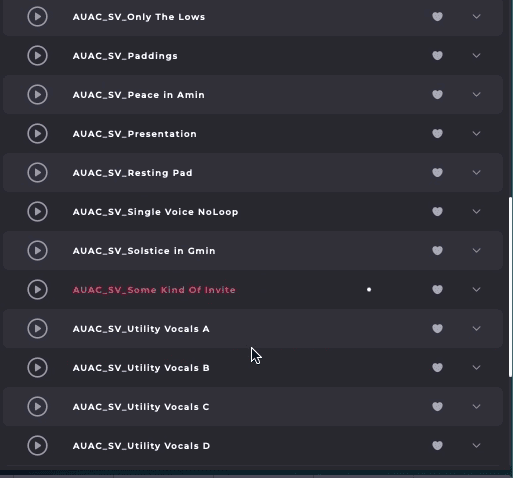

How to Install Soundbox and Load an Audiofier Pack
-
Go to the Audiomodern Soundbox page and download the free Soundbox player for your system (Windows, macOS, or iPad) at
-
Run the installer:
-
On desktop, double-click the downloaded installer and follow the steps.
-
On iPad, install via the App Store.
-
-
Once installed, Soundbox can be used:
-
Standalone application, or
-
Inside your DAW as a plugin (VST3, AU, or AAX).
-
Launch Soundbox:
You should see the main Soundbox interface.
Import Your Soundbox Pack
-
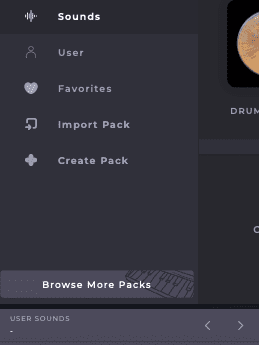
In Soundbox, look for the User Sounds section.
- Click on the User Sounds section open the presets page.
-
Click Import Pack.
-
Navigate to your newly downloaded
.sbpackfile, select it, then click Open. -
The pack will be added to your Packs list.
Load a Preset and Play
-
After importing, open the Packs list in Soundbox.
-
Click the newly installed Audiofier pack.
-
Presets inside the pack will appear.
-
Double-click a preset to load it.
-
Play with your MIDI keyboard or draw notes in your DAW.