

How to Install Soundbox and Load an Audiofier Pack
-
Go to the Audiomodern Soundbox page and download the free Soundbox player for your system (Windows, macOS, or iPad) at: https://audiomodern.com/soundbox/
-
Run the installer:
-
On desktop, double-click the downloaded installer and follow the steps.
-
On iPad, install via the App Store.
-
-
Once installed, Soundbox can be used:
-
Standalone application, or
-
Inside your DAW as a plugin (VST3, AU, or AAX).
-
Launch Soundbox:
You should see the main Soundbox interface.
Import Your Soundbox Pack
-
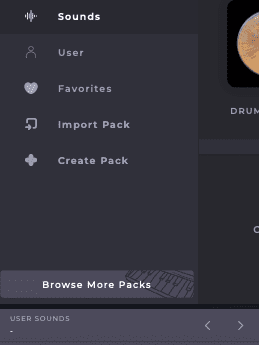
In Soundbox, look for the User Sounds section.
- Click on the User Sounds section open the presets page.
-
Click Import Pack.
-
Navigate to your newly downloaded
.sbpackfile, select it, then click Open. -
The pack will be added to your Packs list.
Load a Preset and Play
-
After importing, open the Packs list in Soundbox.
-
Click the newly installed Audiofier pack.
-
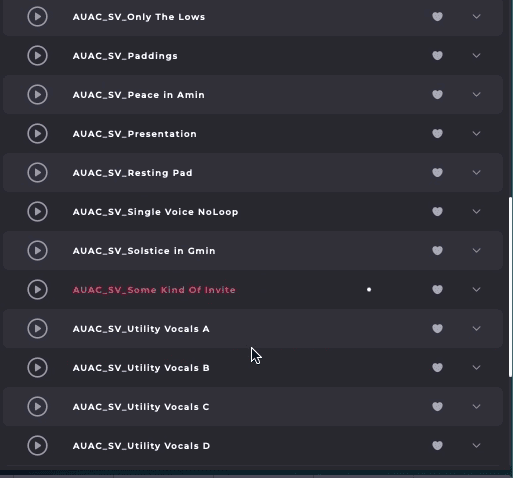
Presets inside the pack will appear.
-
Double-click a preset to load it.
-
Play with your MIDI keyboard or draw notes in your DAW.
Please note: Audiofier Soundbox instruments are distributed as locked Soundbox packs. You can freely use and customise the sounds within Soundbox, combine layers and save your own presets, but the underlying Audiofier sample content cannot be extracted or accessed as individual samples.